WhentoMeet Alternative: Smarter Ways to Schedule Meetings in 2026
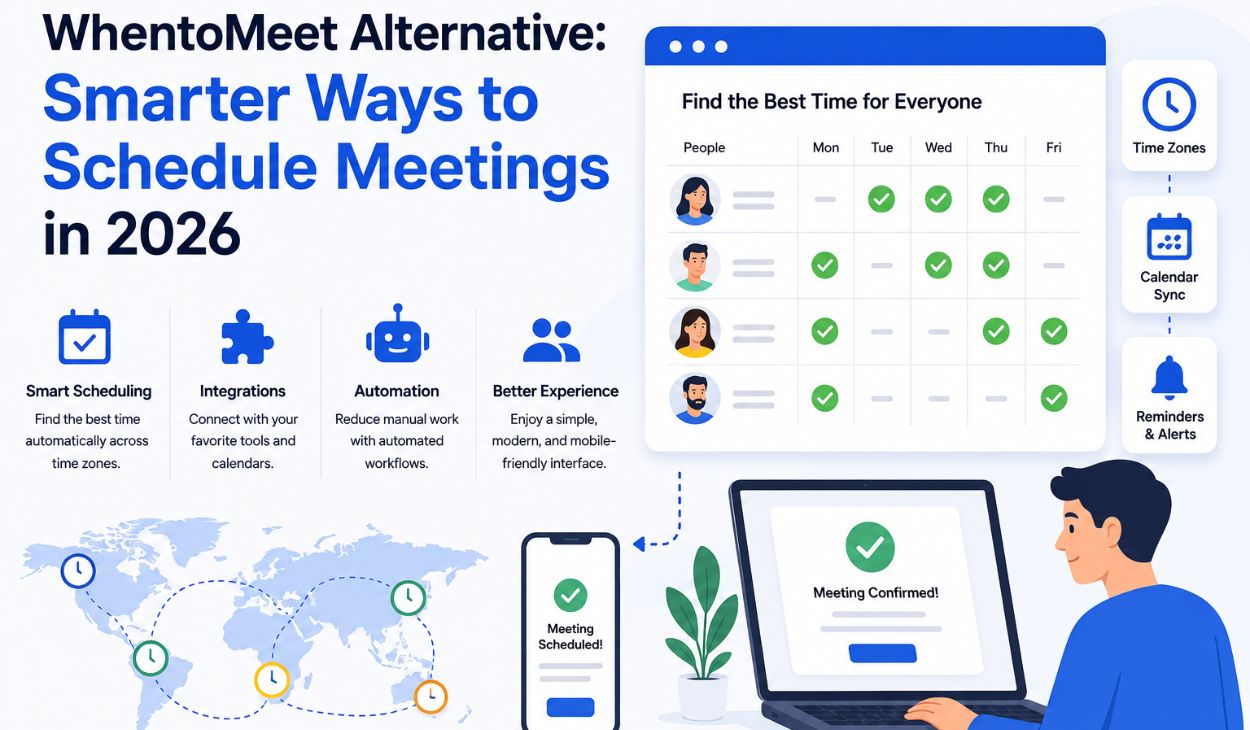
Scheduling meetings has become more challenging than ever as businesses, educational institutions, freelancers, and remote teams collaborate across multiple locations and time zones. While WhentoMeet has remained a useful platform for collecting availability information, many users now require more advanced features to support modern workflows. Today’s scheduling environment demands automation, integrations, mobile accessibility, and seamless user experiences that simplify coordination. As organizations continue to embrace hybrid and remote work models, the search for a reliable and feature-rich WhentoMeet alternative has grown significantly. Modern scheduling platforms are designed not only to find meeting times but also to automate administrative tasks, improve communication, and enhance productivity. Choosing the right scheduling solution can save valuable time, reduce conflicts, and create a smoother experience for everyone involved.
Understanding the Growing Need for Scheduling Alternatives
The workplace has evolved dramatically over the past few years, changing how people communicate, collaborate, and schedule meetings. Remote work and global collaboration have introduced new challenges that traditional scheduling methods often struggle to address. Teams are now spread across different regions, requiring tools that can automatically manage availability and account for various time zones. Employees and clients expect scheduling platforms to integrate seamlessly with their calendars and communication tools while minimizing manual work. The increasing reliance on digital collaboration has made scheduling efficiency a critical factor for productivity. As a result, many individuals and organizations are moving beyond basic availability polls and seeking comprehensive solutions that can support modern business requirements and growing operational complexity.
How Modern Work Has Changed Scheduling Requirements
Modern work environments demand greater flexibility than ever before. Employees may work from home, coworking spaces, or offices located in entirely different countries. This shift has increased the need for scheduling platforms capable of coordinating across multiple calendars, locations, and working hours. Organizations also require automated reminders, appointment confirmations, and integrations with popular productivity tools. Without these capabilities, scheduling can become a time-consuming process that distracts teams from their primary responsibilities. Advanced scheduling tools help eliminate friction by automating repetitive tasks and ensuring everyone has access to accurate, up-to-date meeting information. These changes have transformed scheduling from a simple administrative task into a strategic component of efficient collaboration.
Where WhentoMeet Falls Short in Modern Scheduling
Although WhentoMeet remains a practical option for collecting participant availability, its limitations have become more apparent as scheduling needs have evolved. The platform was designed for simplicity, which continues to be one of its strengths, but it lacks many of the advanced features that modern users expect. Businesses often require automation, integrations, reporting capabilities, and workflow management tools that go beyond basic polling. As teams grow and scheduling requirements become more complex, relying solely on manual coordination can lead to inefficiencies and communication challenges. These limitations have encouraged many users to explore alternatives that provide a more complete scheduling experience while maintaining ease of use.
An Interface That Feels Outdated
One of the most frequently mentioned drawbacks of WhentoMeet is its aging interface. While the platform remains functional, its design feels less polished compared to newer scheduling solutions that prioritize user experience and visual simplicity. New users may find the layout less intuitive, particularly when accessing the platform from mobile devices. Modern scheduling tools often feature streamlined dashboards, drag-and-drop functionality, and responsive designs that make navigation effortless. User experience plays a significant role in encouraging participation and reducing confusion during scheduling processes. An outdated interface can create unnecessary barriers that discourage users from engaging fully with the platform.
Missing Calendar Synchronization Features
Calendar synchronization has become a standard expectation for scheduling software. Many professionals rely on multiple calendar platforms such as Google Calendar, Outlook, and Apple Calendar to manage their commitments. WhentoMeet does not provide deep calendar integrations, requiring users to manually compare availability and update schedules. This manual approach increases the risk of double bookings, missed appointments, and scheduling conflicts. Integrated scheduling platforms automatically reflect calendar changes and ensure that availability remains accurate at all times. These capabilities reduce administrative work and provide greater confidence when coordinating meetings with colleagues, clients, and stakeholders.
Limited Automation Capabilities
Automation has become essential for efficient scheduling, especially in organizations that manage frequent appointments and recurring meetings. WhentoMeet offers limited automation features, meaning users must often handle reminders, confirmations, and follow-up communications manually. This additional workload can become burdensome for administrators and team leaders who coordinate multiple meetings each week. Automated workflows help streamline communication, reduce no-show rates, and improve participant engagement. Scheduling platforms that support automation enable organizations to focus on meaningful work rather than repetitive administrative tasks. The absence of these capabilities is one of the primary reasons many users seek alternatives.
Challenges for Larger Teams and Organizations
WhentoMeet works well for small groups and informal scheduling situations, but larger organizations often require more sophisticated tools. Coordinating dozens or even hundreds of participants involve complex scheduling requirements that extend beyond availability polling. Businesses may need reporting tools, CRM integrations, approval workflows, and automated notifications to manage operations effectively. Without these features, scheduling can become increasingly difficult as teams expand. Larger organizations benefit from platforms designed to support scalability, ensuring that scheduling processes remain efficient regardless of growth. These advanced capabilities help maintain productivity and reduce administrative overhead.
Essential Features of a Modern Scheduling Tool
Selecting the right scheduling platform involves understanding which features contribute most to efficiency and user satisfaction. Modern scheduling solutions are designed to minimize manual effort while providing a seamless experience for participants. The best tools combine intuitive interfaces with powerful automation and integration capabilities. Features such as calendar synchronization, time zone management, mobile accessibility, and automated reminders have become standard expectations. Organizations that prioritize these capabilities can improve coordination, reduce scheduling conflicts, and create more professional interactions. Understanding these essential features helps users make informed decisions when evaluating alternatives.
Simple and User-Friendly Design
A clean and intuitive design is one of the most important aspects of any scheduling platform. Users should be able to share availability, book appointments, and confirm meetings without confusion or extensive training. Modern scheduling tools prioritize simplicity while maintaining powerful functionality behind the scenes. Easy navigation encourages participation and reduces the likelihood of user errors. When scheduling processes are straightforward, organizations spend less time providing support and troubleshooting issues. User-friendly platforms contribute significantly to overall productivity and satisfaction.
Seamless Calendar Integration
Calendar integration ensures that scheduling information remains accurate and synchronized across multiple platforms. Automatic updates eliminate the need for manual data entry and reduce the risk of scheduling conflicts. Professionals who manage busy schedules benefit greatly from having all appointments reflected in a single, unified system. Integrations with popular calendar applications also simplify meeting coordination with external stakeholders. By maintaining real-time availability information, scheduling tools help users make confident decisions and avoid unnecessary complications.
Built-In Time Zone Management
Time zone confusion remains one of the most common challenges in global collaboration. Scheduling tools with built-in time zone management automatically display meeting times according to each participant’s location. This feature eliminates guesswork and reduces the likelihood of missed meetings. International teams rely heavily on accurate time zone conversions to maintain smooth communication and coordination. Automated time zone detection simplifies scheduling while improving reliability and professionalism. As remote work continues to expand, this capability has become increasingly valuable.
Automated Notifications and Reminders
Automated notifications help keep participants informed throughout the scheduling process. Reminders reduce no-show rates by ensuring attendees remember upcoming appointments and meetings. Confirmation emails, schedule updates, and follow-up messages can all be delivered automatically without requiring manual effort. These features improve communication while reducing administrative responsibilities. Organizations that use automated notifications often experience higher attendance rates and greater scheduling efficiency. Consistent communication contributes to a more professional and organized experience for everyone involved.
Mobile-Friendly Accessibility
Mobile accessibility has become a necessity rather than a luxury. Many professionals manage their schedules from smartphones and tablets while traveling or working remotely. Scheduling platforms that offer responsive mobile experiences allow users to book, modify, and confirm appointments from virtually anywhere. This flexibility supports modern work habits and improves overall convenience. Mobile-friendly tools ensure that participants remain connected and informed regardless of their location. As mobile device usage continues to increase, accessibility remains a critical factor when selecting a scheduling solution.
Top WhentoMeet Alternatives Worth Exploring in 2026
Several scheduling platforms have emerged as strong alternatives to WhentoMeet, each offering unique advantages and feature sets. These solutions address many of the limitations associated with traditional scheduling systems while providing enhanced functionality. Some focus on simplicity and ease of use, while others emphasize automation, integrations, or privacy. Understanding the strengths of each platform can help users identify the best fit for their specific needs. The following alternatives are among the most popular and effective options available today.
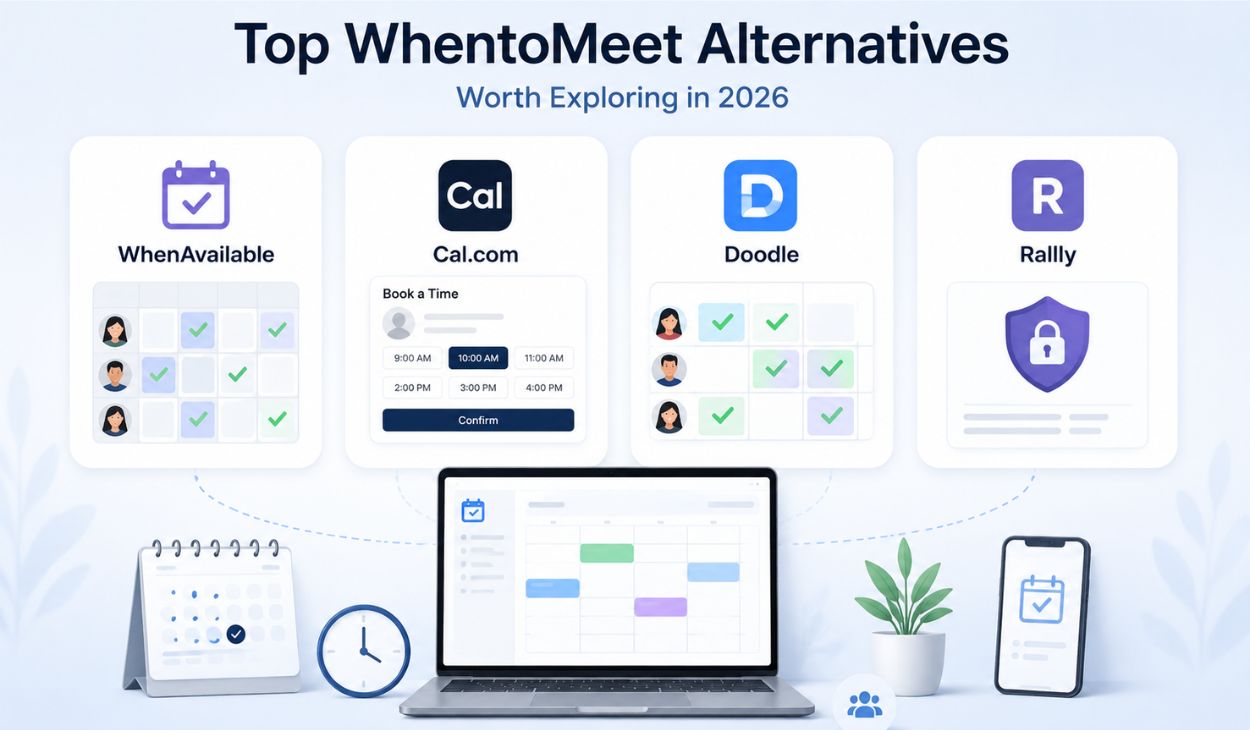
WhenAvailable: WhenAvailable maintains the simplicity that many users appreciate while offering a more modern experience. It supports scheduling polls, participant preferences, and mobile-friendly access, making it suitable for families, teams, and community groups. Its straightforward design makes meeting coordination quick and efficient.
Cal.com: Cal.com has become a leading scheduling solution thanks to its flexibility and advanced automation features. Users can create customized booking pages, automate workflows, and integrate with popular calendar systems. It is particularly useful for businesses and remote teams seeking scalable scheduling capabilities.
Doodle: Doodle remains one of the most recognized scheduling platforms because of its collaborative polling system. Participants can vote on preferred meeting times, making it easier to reach a consensus. Calendar integrations and reminder feature further enhance its usability for both personal and professional scheduling.
Rallly: Rallly stands out for its focus on privacy and transparency. As an open-source platform, it provides greater control over user data while maintaining a clean and accessible scheduling experience. Its account-free participation feature also makes it convenient for casual and professional use.
Advanced Scheduling Solutions for Professionals
Professional environments often require scheduling tools that extend beyond basic appointment coordination. Advanced platforms integrate with CRM systems, automate workflows, and provide detailed management capabilities. These solutions help organizations improve operational efficiency while maintaining a seamless scheduling experience for employees and clients alike.

Calendly: Calendly is one of the most widely used scheduling tools because it balances simplicity with powerful functionality. Users can create personalized booking links, automate confirmations, and manage availability effortlessly. Its extensive integration options make it suitable for freelancers, teams, and large organizations.
HubSpot Meetings: HubSpot Meetings combines scheduling capabilities with customer relationship management features. Businesses can track interactions, automate meeting workflows, and synchronize calendars within a single ecosystem. This integration helps organizations create a more efficient and organized scheduling process.
Comparing Popular WhentoMeet Alternatives
Selecting the best scheduling tool depends largely on individual priorities and organizational requirements. Some users prioritize collaboration, while others focus on automation, privacy, or business integrations. Understanding the strengths of different platforms can simplify the decision-making process.
| Category | Best Choice | Primary Strength |
| Team Collaboration | Doodle | Collaborative polling |
| Automation | Cal.com | Advanced workflows |
| Privacy | Rallly | Open-source transparency |
| Small Businesses | Calday | Client management |
| Professional Scheduling | Calendly | Extensive integrations |
| CRM Integration | HubSpot Meetings | Unified business ecosystem |
Best Options for Different User Needs
Different scheduling tools excel in different areas, making it important to match platform capabilities with specific requirements. Teams focused on collaboration often prefer Doodle, while organizations seeking automation may find Cal.com more suitable. Privacy-conscious users frequently choose Rallly because of its transparent approach to data management. Businesses that require advanced customer relationship management capabilities often benefit from HubSpot Meetings. Evaluating priorities before selecting a platform helps ensure long-term satisfaction and improved scheduling efficiency.
Choosing the Right Scheduling Tool for Your Needs
Selecting the ideal scheduling platform requires careful consideration of current requirements and future growth plans. Different users place varying levels of importance on factors such as automation, integrations, scalability, and pricing. Understanding these priorities helps narrow the field and identify the most appropriate solution.
Evaluating Team Size, Budget, and Scalability
Team size plays a significant role in determining which scheduling platform will provide the greatest value. Smaller groups may prefer simple polling tools, while larger organizations often require advanced automation and workflow management. Budget considerations are equally important, as premium features may involve subscription costs. Organizations should also consider long-term scalability to ensure their chosen platform can support future growth. Selecting a solution that balances functionality, affordability, and scalability helps maximize return on investment while minimizing the need for future platform changes.
Conclusion
The growing search for a reliable WhentoMeet alternative reflects the increasing demand for smarter and more efficient scheduling solutions. Modern platforms offer features such as automation, calendar synchronization, mobile accessibility, time zone management, and workflow integrations that significantly improve productivity. Whether you are an individual professional, a remote team, or a large organization, there are numerous alternatives available to match your specific requirements. Tools like Cal.com, Calendly, Doodle, Rallly, and HubSpot Meetings provide capabilities that go far beyond basic availability polling. By evaluating your goals, budget, team size, and future growth plans, you can choose a scheduling solution that saves time, reduces conflicts, and creates a more organized and professional scheduling experience.
FAQs about WhentoMeet alternative
What is the best WhentoMeet alternative?
Cal.com is often considered the best overall alternative because of its flexibility, integrations, and automation features.
Are there free alternatives to WhentoMeet?
Yes, Rallly, Doodle, and Cal.com offer free plans or free scheduling options.
Which scheduling tool is best for remote teams?
Cal.com and HubSpot Meetings are excellent choices for remote teams due to their collaboration and automation capabilities.
Is Doodle better than WhentoMeet?
Many users prefer Doodle because it offers a more modern interface and stronger scheduling features.
What is the most privacy-focused scheduling platform?
Rallly is widely regarded as one of the most privacy-focused scheduling tools available today.
