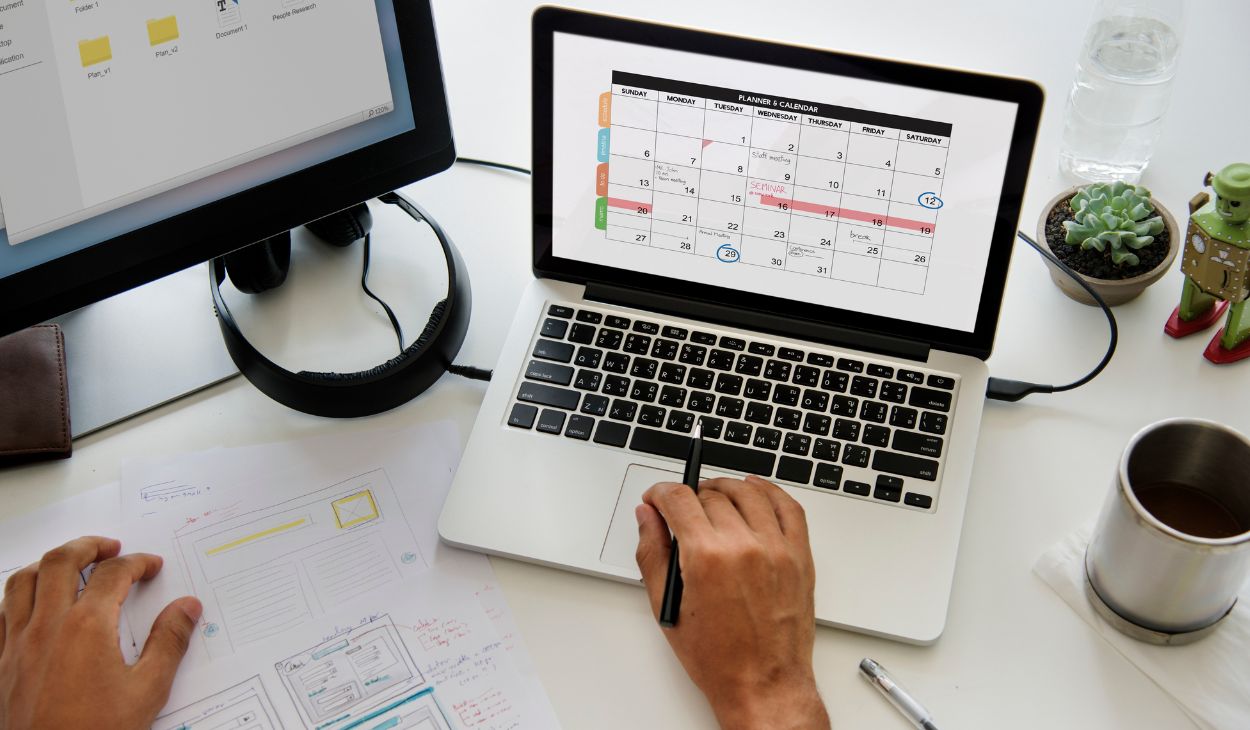
A schedule creator app helps people organize their daily activities, manage appointments, and stay productive without feeling overwhelmed. Whether you are a student, working professional, freelancer, or parent, using a scheduling app can simplify your routine by keeping all tasks, events, and reminders in one place. With digital planning becoming more important than ever, these apps make time management easier, reduce stress, and help users achieve a better work-life balance.
What Is a Schedule Creator App?
A schedule creator app is a digital planning tool designed to help users organize their daily, weekly, or monthly activities efficiently. Instead of relying on paper planners or scattered notes, these applications combine calendars, reminders, recurring tasks, and scheduling features into one convenient platform. They allow users to plan work, school, and personal activities while ensuring important deadlines and appointments are never missed.
Why Scheduling Matters Today
Modern life is filled with responsibilities that can quickly become overwhelming without proper planning. A structured schedule allows people to prioritize tasks, avoid last-minute stress, and create a healthier balance between work and personal life. By knowing exactly what needs to be done throughout the day, users can stay focused, improve productivity, and make better use of their available time.
Key Features of a Great Schedule Creator App
A great schedule creator app should be simple, reliable, and packed with features that make planning easier. The best apps help users organize tasks, manage time efficiently, and stay productive without adding unnecessary complexity.
- Calendar Synchronization: Syncs with Google Calendar, Outlook, and Apple Calendar for seamless scheduling.
- Task Management: Lets you create tasks, set priorities, and track progress in one place.
- Recurring Events: Automatically schedules repeating meetings, classes, or daily routines.
- Custom Reminders: Sends timely notifications to ensure important tasks and appointments are not missed.
- Drag-and-Drop Editing: Makes it easy to move or reschedule events with minimal effort.
- Cloud Backup: Stores your schedules securely and keeps them updated across multiple devices.
- Collaboration Tools: Allows users to share calendars and coordinate schedules with family, friends, or coworkers.
- Color-Coded Categories: Organizes work, school, and personal activities for quick identification.
- Offline Access: Enables users to view and edit schedules even without an internet connection.
- User-Friendly Interface: Provides a clean, intuitive design that makes planning simple for users of all experience levels.
Best Visual Time-Blocking Apps
Visual time-blocking apps help users allocate specific hours for important tasks, making daily planning more realistic and productive. Apps like Morgen and Structured provide intuitive interfaces that display schedules in a clear timeline, allowing users to organize meetings, study sessions, focused work, and personal activities while reducing distractions and preventing overbooking.
Best Minimalist Schedule Planner Apps
Some users prefer simple planning tools without unnecessary features, making minimalist schedule apps an excellent choice. Applications such as Tweek and Planwiz offer clean interfaces, straightforward weekly planning, and easy task organization that keeps attention focused on priorities rather than complex settings, helping users maintain productivity with minimal effort.
Best Design-Based Schedule Maker Apps
Design-focused scheduling tools combine organization with creativity, allowing users to build visually attractive planners for school, work, or personal use. Canva and Adobe Express offer customizable templates, color themes, icons, and printable layouts, making it easy to create professional-looking schedules without requiring advanced design skills or software experience.
How to Choose the Right Schedule Creator App
Choosing the right scheduling app depends on your personal needs, daily routine, and preferred planning style. Students may prioritize study planners, professionals often need calendar synchronization and collaboration, while individuals managing personal habits may value simplicity and reminders. Selecting an app that naturally fits your workflow increases consistency and improves long-term productivity.
Comparison of Popular Schedule Creator Apps
Every schedule creator app offers unique features designed for different planning styles and user needs. Comparing their strengths, supported platforms, and key functions helps you choose the best app for managing work, school, or personal schedules more effectively.
| Schedule Creator App | Best For | Key Features | Supported Platforms |
| Morgen | Professionals | Time-blocking, calendar sync, task planning | Windows, macOS, Linux, Mobile |
| Structured | Daily Planning | Visual timeline, reminders, simple interface | iOS, Mobile |
| Tweek | Weekly Planning | Minimalist layout, distraction-free planner | Web, Mobile |
| Planwiz | Personal Productivity | Weekly planning, daily task management | Web |
| Canva | Printable Schedules | Custom templates, drag-and-drop editor, PDF export | Web, Android, iOS |
| Adobe Express | Creative Planners | Professional templates, cloud editing, easy sharing | Web, Android, iOS |
Tips for Creating an Effective Schedule
Building an effective schedule starts with setting realistic priorities and organizing tasks based on importance. Review your plan daily, stay flexible, and make small adjustments to keep your routine productive and easy to follow.
- Prioritize Important Tasks: Complete high-priority work during your most productive hours.
- Set Realistic Goals: Avoid overloading your day with too many activities.
- Use Time Blocks: Assign specific time slots for focused work and breaks.
- Add Buffer Time: Leave extra time between tasks for unexpected changes.
- Use Reminders: Enable notifications to stay on track with deadlines and appointments.
- Color-Code Activities: Separate work, school, fitness, and personal tasks for better visibility.
- Review Your Schedule Daily: Update your planner each day to reflect changing priorities.
- Stay Consistent: Following the same planning routine helps build long-term productivity habits.
Common Mistakes to Avoid
Many people create schedules that are too ambitious, making them difficult to follow consistently. Overloading the day with tasks, ignoring breaks, switching between multiple planning apps, and failing to review schedules regularly often reduce productivity instead of improving it. A flexible and realistic schedule is usually far more successful than a perfect but impractical one.
Benefits of Using a Schedule Creator App
Using a schedule creator app provides numerous advantages beyond simple organization by helping users improve focus, reduce stress, and manage responsibilities more effectively.
- Better Time Management: Organizes daily activities and minimizes wasted time.
- Improved Productivity: Keeps important tasks and deadlines clearly visible.
- Reduced Stress: Prevents forgotten appointments and last-minute planning.
- Stronger Work-Life Balance: Creates dedicated time for work, family, and relaxation.
- Greater Flexibility: Makes updating schedules quick and convenient across devices.
Schedule Creator Apps for Students
Students benefit greatly from schedule creator apps because they help organize classes, homework, assignments, exams, and extracurricular activities in one place. Visual timelines, reminders, and recurring study sessions encourage consistent learning habits while reducing the likelihood of missing important academic deadlines or feeling overwhelmed during busy school periods.
Schedule Creator Apps for Professionals
Professionals often manage multiple meetings, projects, and deadlines simultaneously, making scheduling apps valuable productivity tools. Features such as calendar synchronization, shared schedules, recurring events, and task management help employees and freelancers coordinate responsibilities efficiently while maintaining organized workflows and reducing scheduling conflicts throughout the workweek.
Schedule Creator Apps for Personal Productivity
Personal productivity apps focus on helping users develop healthier routines and accomplish personal goals through structured planning. Whether tracking exercise, meal preparation, reading habits, or household responsibilities, these scheduling tools provide reminders and organized timelines that encourage consistency while keeping daily routines realistic and achievable.
Free vs Paid Schedule Creator Apps
Free scheduling apps offer essential planning features suitable for everyday use, while paid versions typically include advanced collaboration, premium templates, cloud storage, integrations, and enhanced customization options. Users should compare available features with their actual planning needs before deciding whether upgrading to a premium subscription offers worthwhile long-term value.
How to Stay Consistent with Your Schedule
Consistency begins with creating realistic schedules that match your daily habits rather than unrealistic expectations. Reviewing your planner every morning or evening, updating tasks regularly, avoiding unnecessary complexity, and celebrating small achievements help establish long-lasting scheduling habits that support continuous productivity and better organization.
Future of Schedule Creator Apps
Schedule creator apps continue evolving with smarter automation, artificial intelligence, predictive scheduling, and deeper integration across devices and productivity platforms. Future planning tools are expected to provide even more personalized recommendations, intelligent reminders, and automated scheduling assistance, making time management increasingly efficient for users with diverse lifestyles.
Conclusion
A reliable schedule creator app can transform how people organize work, education, and personal responsibilities by simplifying planning and improving productivity. Whether you prefer advanced time-blocking, minimalist layouts, or visually creative planners, choosing an app that aligns with your routine will help you stay organized, reduce stress, and make better use of every day.
FAQs about schedule creator app
What is the best schedule creator app for work?
Morgen is an excellent option because it combines calendar synchronization, time-blocking, and task management.
Which schedule creator app is best for students?
Structured is ideal for students due to its visual timeline and simple organization features.
Can I create printable schedules?
Yes, Canva and Adobe Express allow users to design and print customized schedules.
Which app is best for simple weekly planning?
Tweek is a great choice for users who prefer a clean and distraction-free weekly planner.
How do I choose the right schedule creator app?
Choose an app that matches your planning style, daily needs, and preferred productivity features.